The loop
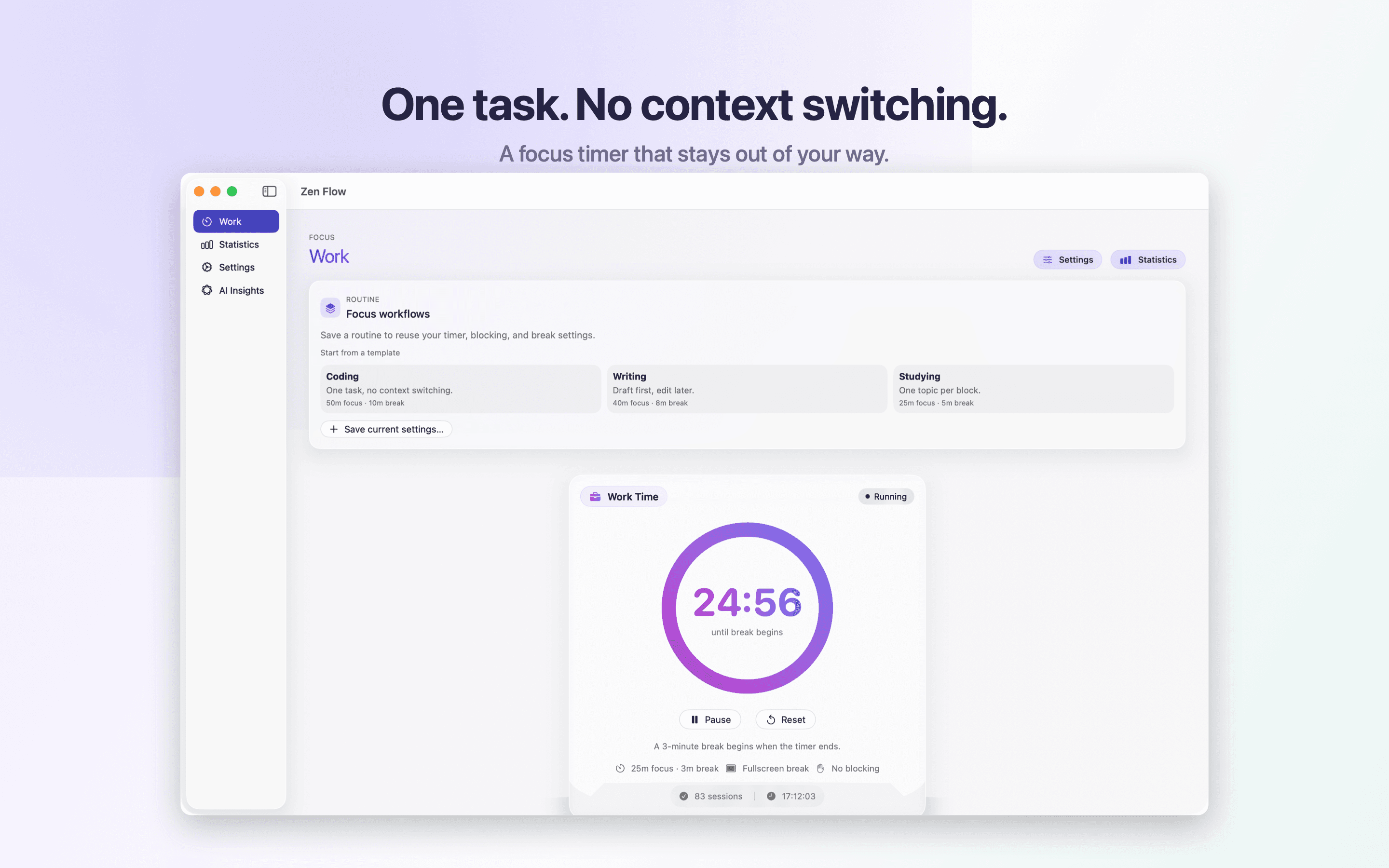
Work, then the screen rests
The timer runs through the block, then a fullscreen break takes over.
macOS focus timer
ZenFlow Pro combines Pomodoro sessions, automatic distraction blocking, and AI coaching so you spend less time context-switching and more time in deep work.
7-day free trialNative macOS appCancel anytimePrivate by design
Features
Purpose-built for macOS — not another generic timer buried in a browser tab.
The loop
The timer runs through the block, then a fullscreen break takes over.
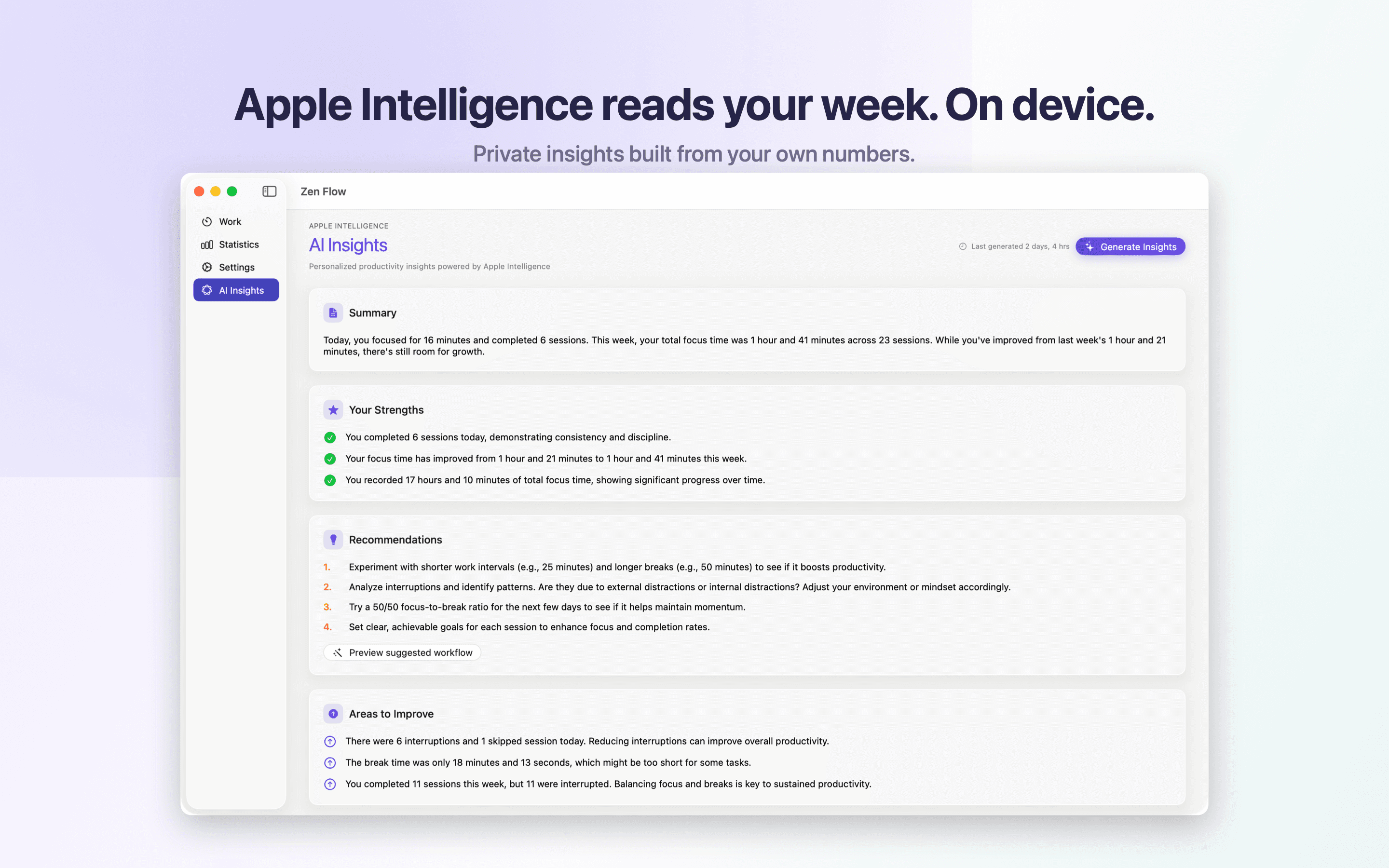
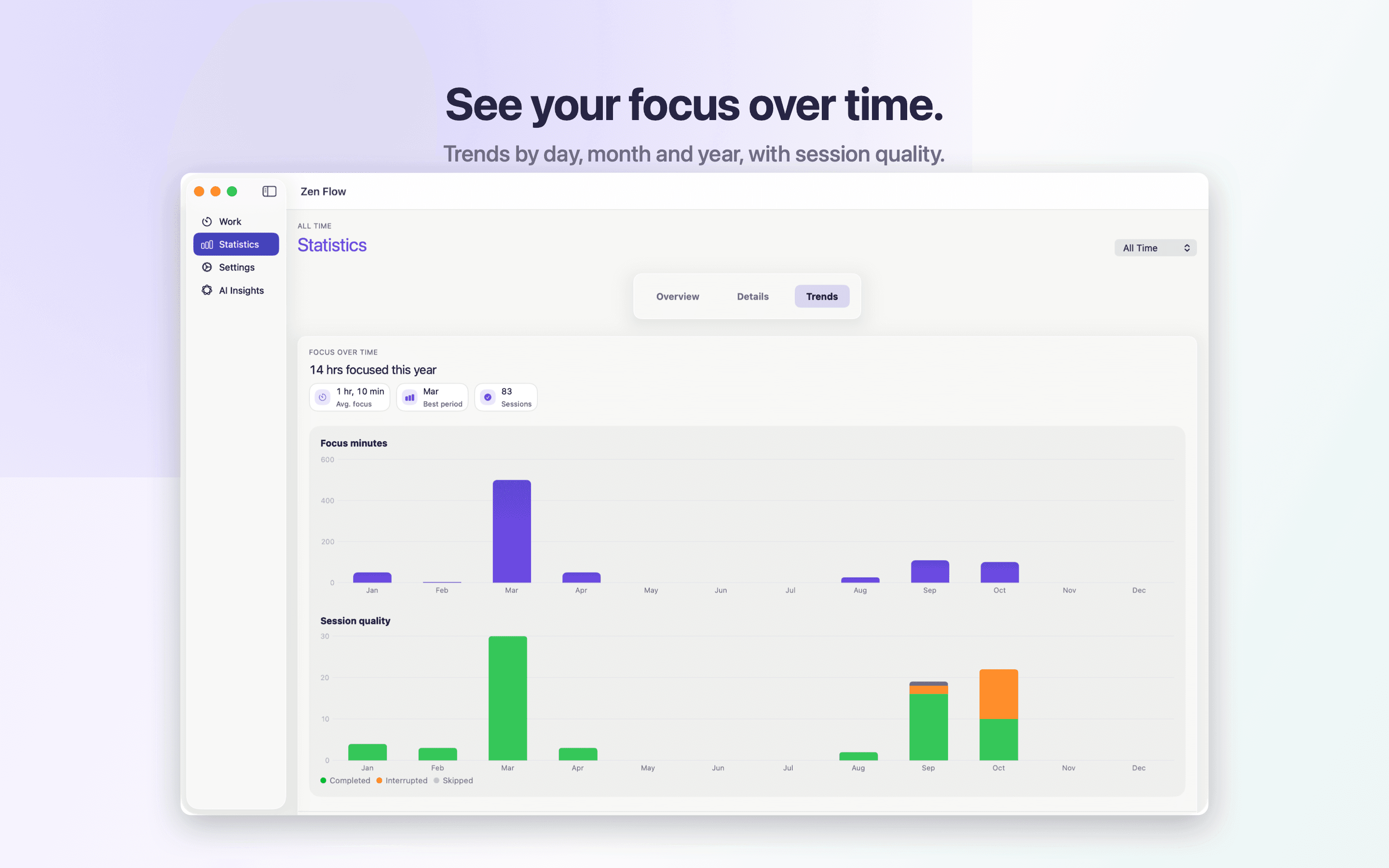
Insights
Apple Intelligence stays on your Mac and turns the week into a workflow, the trends, and a short summary.
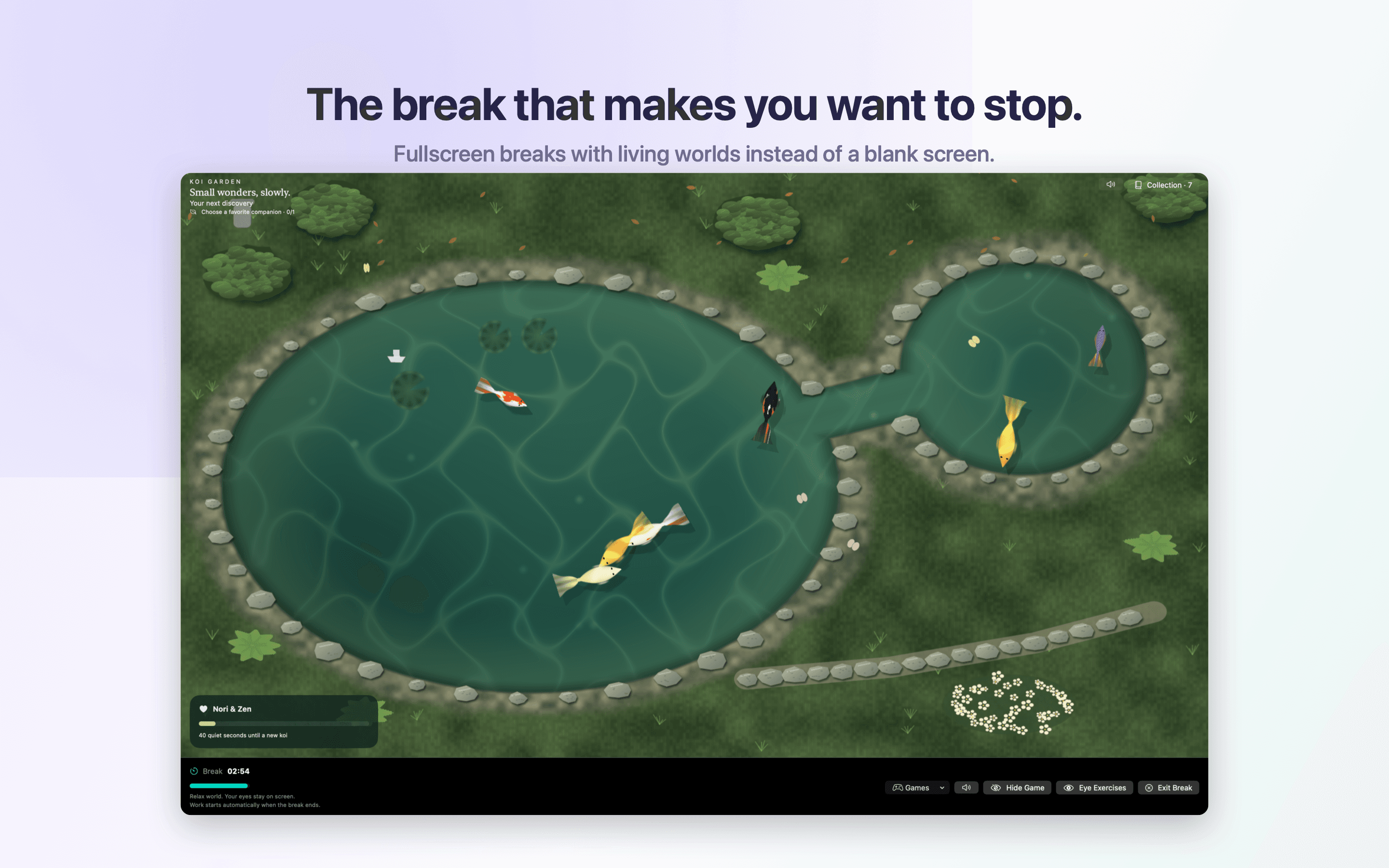
Breaks
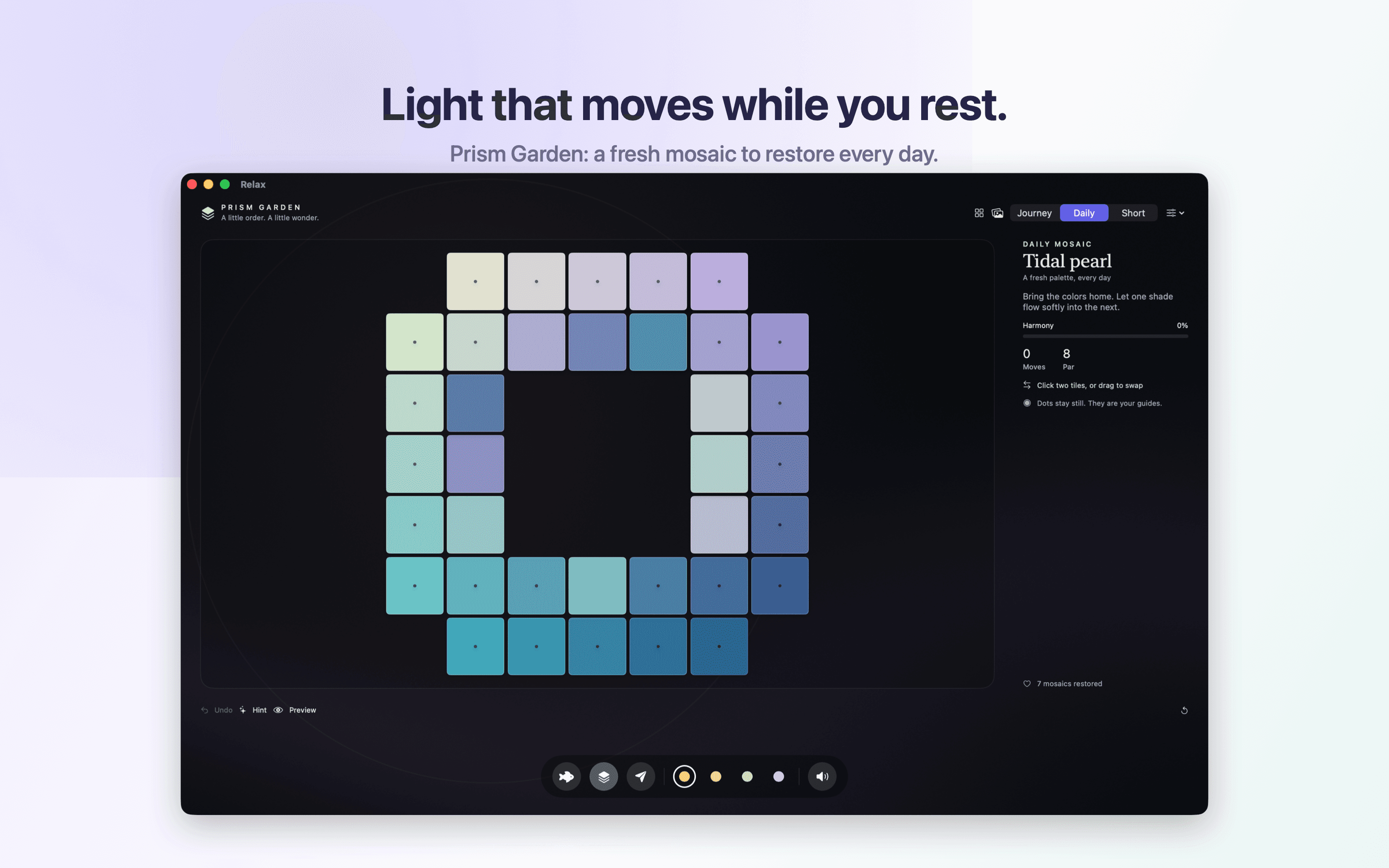
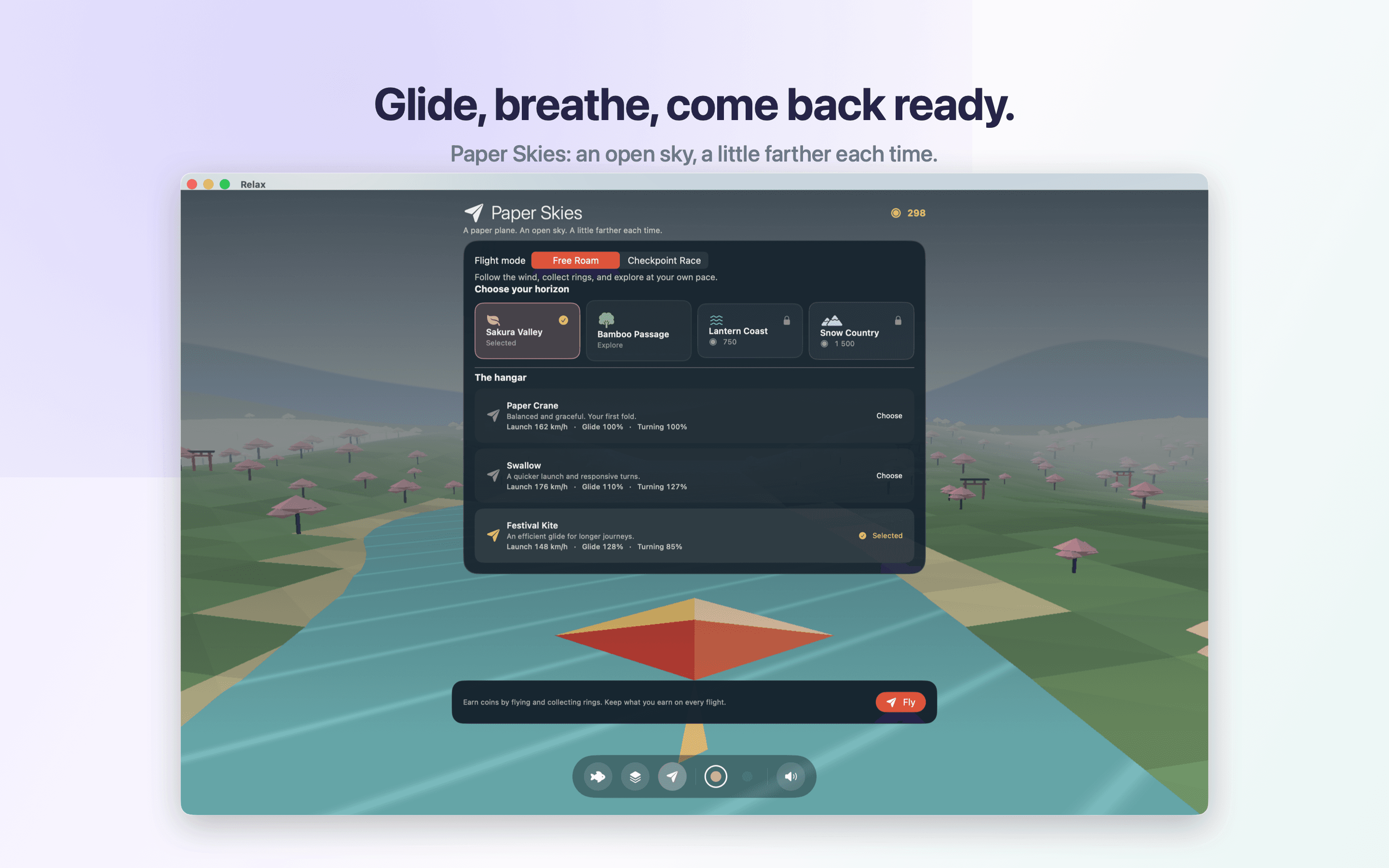
Koi Pond, Prism Garden, and Paper Skies.

How it works
No complicated setup. ZenFlow fits into the macOS workflow you already use.
01
Install from the Mac App Store and launch your first focus session in under a minute.
02
Enable web and app blocking so notifications and tabs stop pulling you out of deep work.
03
Use stats and AI insights to refine your rhythm and protect more focused hours each week.
Pricing
Every plan includes the full Pro feature set. Yearly saves 50% compared to monthly.
$1.99/month
First 7 days free.
$11.99/year
First 14 days free. Just $1.00/month.
$29.99 once
Pay once. Use forever.
Subscriptions are managed through Apple. Prices may vary by region.
FAQ
Yes. Monthly includes 7 days free and Yearly includes 14 days free so you can test focus sessions, blocking, and AI insights before committing.
Yes. Manage and cancel subscriptions through your Apple ID settings. Your access remains active through the paid period.
Use the Restore Purchase button inside ZenFlow Pro. Make sure you are signed in with the same Apple ID used to buy the plan.
ZenFlow Pro is built for macOS only — optimized for Apple Silicon and recent macOS releases.
From the blog
A two-minute read on the 20-20-20 rule: the habit, the pictures, and what two studies found.
Ready when you are
Join focused macOS users who protect their attention with ZenFlow Pro. No credit card required to start your trial.